How to Manage Multiple Harvester Bookings, Payments and Expenses in One Place
23 Sep 2026 · Team Harvesterwala
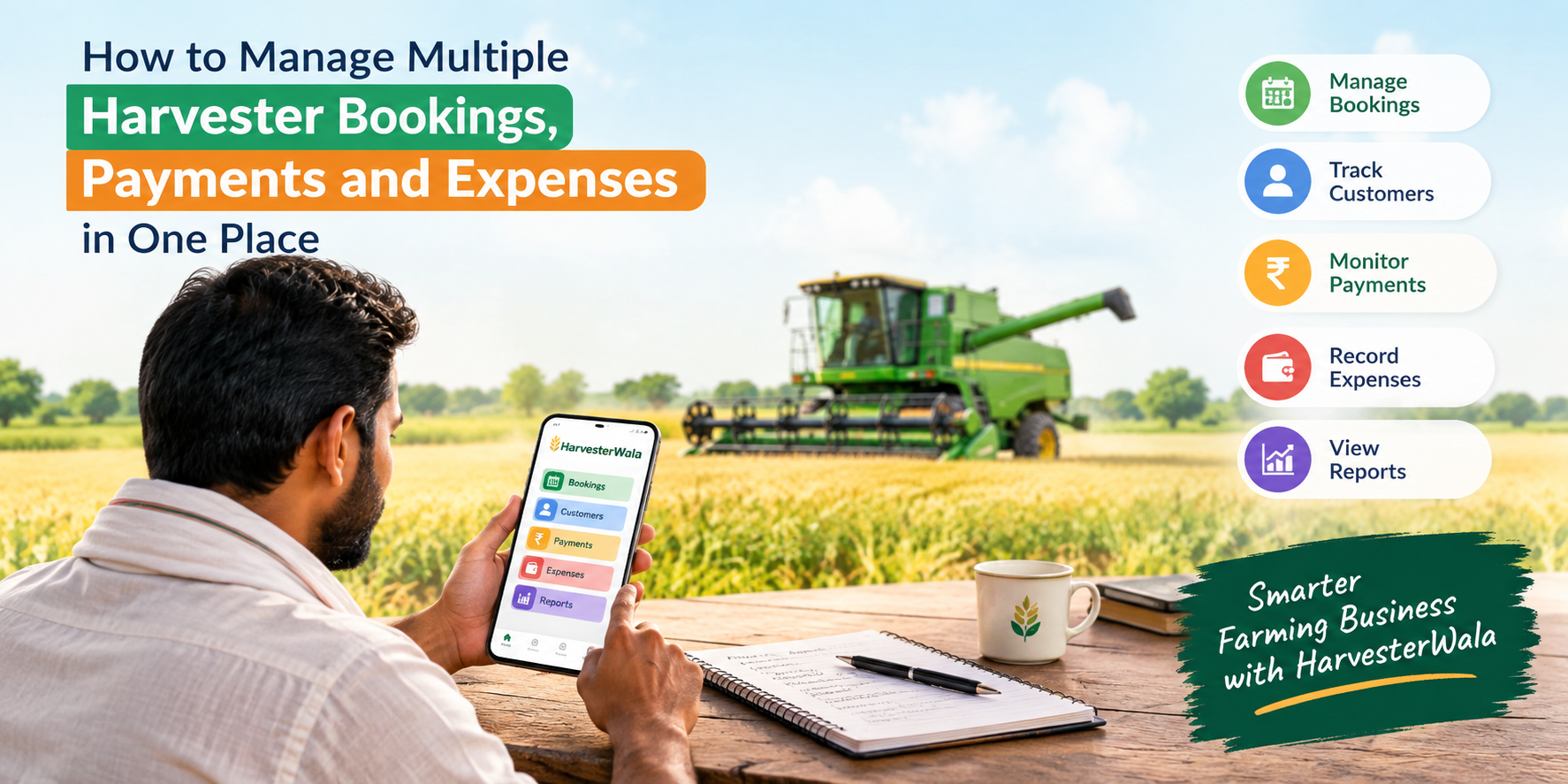
Learn how to manage multiple harvester bookings, customer payments, pending dues and expenses in one place with a simple harvester management app
A harvester management app can help owners, drivers and contractors manage bookings, customer details, payments, pending dues, worker records and expenses from one place. HarvesterWala provides these features along with reports for reviewing income, expenses and net profit.
Managing a harvester business becomes much more complicated when the number of bookings starts increasing. During the harvesting season, a harvester owner or contractor may have to manage multiple farmers, fields, booking dates, rates, drivers, payments and daily expenses at the same time.
At first, keeping everything in a diary or notebook may seem simple. But when bookings increase, finding the right customer record, checking pending payments or remembering how much was spent on diesel and maintenance can become difficult.
This is where a harvester management app can make daily operations more organized.
A digital system such as HarvesterWala allows harvester owners, contractors and drivers to manage bookings, customers, payments, expenses, workers and business reports from one place. But how does this actually work in day-to-day harvesting operations?
Why Managing Multiple Harvester Bookings Can Become Difficult
A busy harvesting season can bring several bookings in a short period.
One farmer may need harvesting today, another tomorrow, while another booking may be scheduled for a different village. Along with the booking, you also need to remember the field location, area, agreed rate, customer details and payment status.
When this information is written across different notebooks, loose papers or phone messages, it can take time to find the right information.
Common questions may include:
Which farmer booked the harvester first?
Which field needs to be covered next?
How many acres are included in the booking?
What rate was agreed?
How much payment has been received?
How much is still pending?
How much was spent on diesel?
What was spent on maintenance or spare parts?
The problem is not necessarily the amount of information. The real problem is having to search for it in different places.
Keep Every Harvester Booking in One Place
The first step toward easier management is keeping booking information organized.
A proper harvester booking management system can help you record details such as the customer, plot or field, area, rate and harvesting details.
HarvesterWala follows a simple workflow: first add the customer, then create the harvester booking with plot, area, rate and harvesting details. Once the work is completed, the booking can be marked complete and the payment received can be recorded.
This makes it easier to understand the status of different jobs without going through multiple pages of a diary.
Example
Suppose you have three bookings:
Customer | Area | Rate | Booking Status |
Ramesh Patel | 12 acres | ₹2,000/acre | Upcoming |
Suresh Verma | 8 acres | ₹2,100/acre | In Progress |
Mohan Singh | 15 acres | ₹1,950/acre | Completed |
Instead of keeping these details separately, a digital record allows you to keep them organized and easier to access.
Track Customer Payments and Pending Dues
Booking management is only one part of the business. Payment tracking is equally important.
After completing a harvesting job, the farmer may pay the full amount or only part of it. If the payment information is not recorded properly, it can become difficult to remember who has paid and who still has an outstanding amount.
HarvesterWala records the amount received and the amount still pending for each booking, helping owners keep track of customer dues.
For example:
Payment Detail | What You Can Track |
Total Booking Amount | Total amount agreed for the job |
Payment Received | Amount already collected |
Pending Payment | Amount still to be received |
Customer Details | Farmer or customer connected with the booking |
Booking History | Previous work and payment information |
This can be particularly useful during a busy season when several bookings are being completed at the same time.
Don't Forget the Expenses
Looking only at income does not give you the complete picture of a harvester business.
A machine may generate good revenue, but it also has operating costs. Diesel, maintenance, spare parts, travel, worker wages and other expenses can affect the amount left after completing jobs.
HarvesterWala provides expense management for fuel, maintenance, travel and other operational expenses. Its workflow also allows users to record diesel, parts, wages and other harvesting-related costs.
For example:
Expense | Example |
Diesel | ₹18,000 |
Maintenance | ₹7,500 |
Spare Parts | ₹4,000 |
Worker Wages | ₹12,000 |
Other Expenses | ₹3,500 |
Keeping these records regularly can make it easier to understand where the money is being spent.
Understand Income, Expenses and Net Profit
One of the biggest advantages of keeping booking and expense records together is that you can get a clearer view of business performance.
For example:
Total Income – Total Expenses = Net Profit
If your harvesting business generated ₹2,50,000 during a period but your total operating expenses were ₹1,10,000, the remaining amount before other applicable costs would be ₹1,40,000.
The exact figures will vary from business to business, but the basic idea remains the same: income alone does not tell you how your business is performing.
HarvesterWala provides reports that help users monitor income, expenses and net profit.
Manage Drivers, Workers and Staff Records
For many harvesting businesses, the owner is not handling every job alone. Drivers and workers are an important part of daily operations. Managing their details, assignments and work records separately can create another layer of paperwork.
HarvesterWala includes worker and staff management, allowing driver and staff details, responsibilities, assignments and work records to be organized in one system.
This can help owners keep business-related information together instead of maintaining separate records for customers, machines and workers.
How HarvesterWala Helps Manage a Harvesting Business
HarvesterWala is designed specifically for harvester owners, contractors and drivers who need to manage daily harvesting operations.
Its workflow can be summarized in five steps:
1. Add Customer
Save customer or landowner details.
2. Add Harvester Booking
Enter plot, area, rate and harvesting details.
3. Complete the Booking
Mark the job as completed and record payment received.
4. Add Expenses
Record diesel, parts, wages and other harvesting-related expenses.
5. View Profit & Reports
Review income, expenses and net profit through reports.
This approach keeps the process connected from the first booking to the final business report.
Best Practices for Managing Multiple Harvester Bookings
Using an app is only one part of better record keeping. A few simple habits can make the system more useful:
Record Bookings Immediately
Don't wait until the end of the day to enter every booking. Adding information when a booking is confirmed can reduce confusion later.
Update Payments Regularly
Whenever a payment is received, update the record. This makes it easier to identify pending amounts.
Record Expenses as They Happen
Diesel, maintenance and worker payments should be entered regularly instead of trying to remember them later.
Keep Customer Details Complete
Adding the right customer and field information makes it easier to find previous records.
Review Reports Regularly
Checking income and expenses can help you understand how the harvesting business is performing.
Frequently Asked Questions
What is the best way to manage multiple harvester bookings?
A digital harvester management app can help organize customer details, bookings, field information, payments and expenses in one place instead of maintaining multiple separate records.
How can I track pending payments from farmers?
Record the amount received against each booking and keep the remaining amount as pending. HarvesterWala supports received and pending payment records for bookings.
Can harvester expenses be recorded digitally?
Yes. HarvesterWala allows users to record fuel, maintenance, travel, parts, wages and other operational expenses.
Can drivers and contractors use HarvesterWala?
Yes. HarvesterWala is designed for harvester owners, drivers and contractors and includes features for bookings, workers, customers, expenses and reports.
Do I need technical knowledge to use a harvester management app?
HarvesterWala states that the app is designed for everyday field use and does not require special technical knowledge.
Final Thoughts
Managing multiple harvesting jobs is not just about keeping track of where the machine needs to go. It also means keeping customer details, bookings, payments, workers and expenses organized. When all of these records are maintained separately, even a simple question can take time to answer.
A harvester management app brings these daily activities into one organized workflow—from adding a customer and creating a booking to recording payments, expenses and reviewing reports.
For harvester owners, drivers and contractors looking for a more organized way to manage their harvesting operations, HarvesterWala provides a digital platform for handling bookings, customers, workers, payments, expenses and reports from one place.
More from the blog
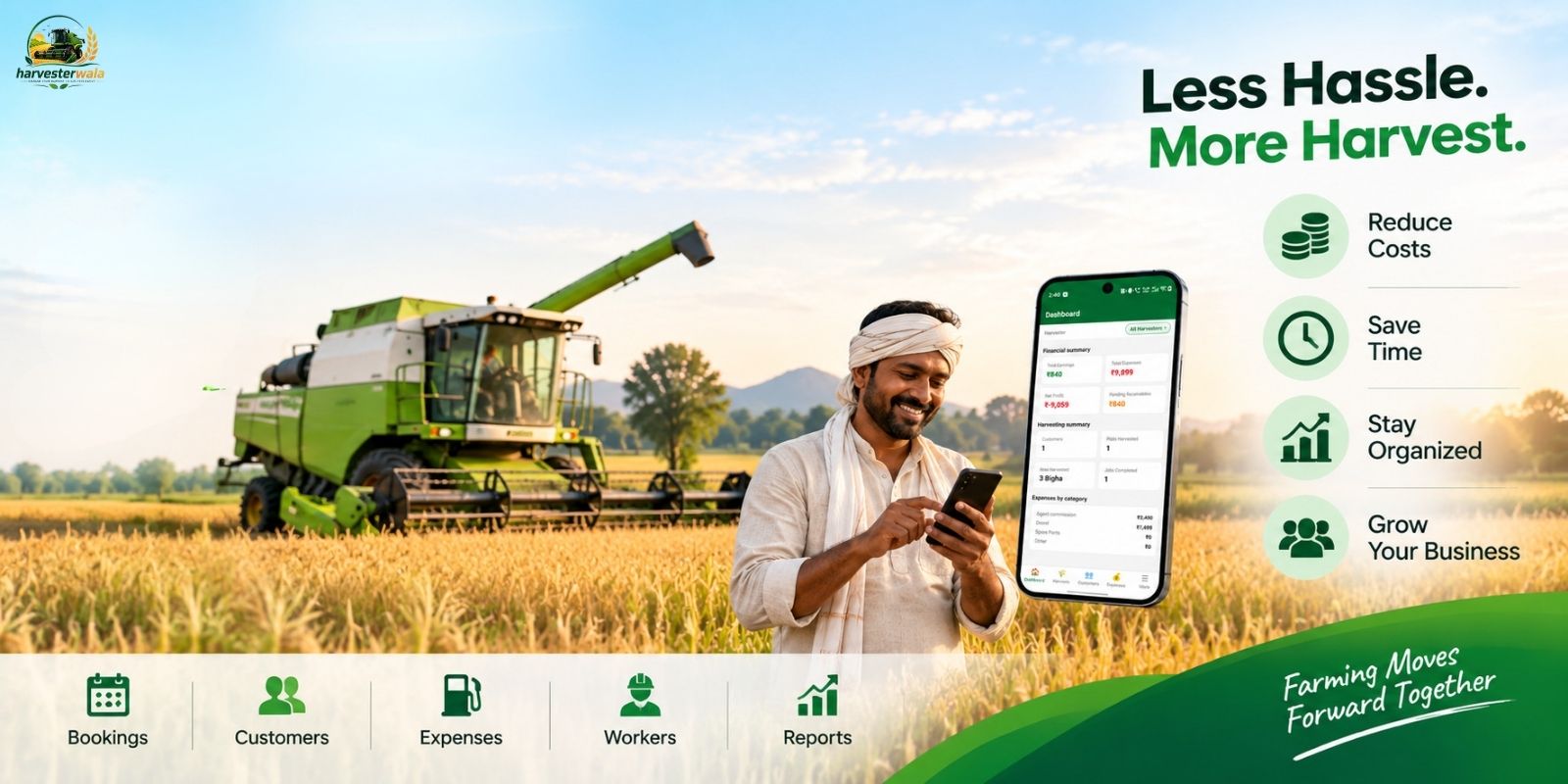
16 Sep 2026
How Harvester Owners Can Reduce Costs and Save Time with Harvester Management Software
Learn how Harvester Management Software can help owners save time, track bookings, payments, expenses, workers and reports while keeping harvesting business records organized.
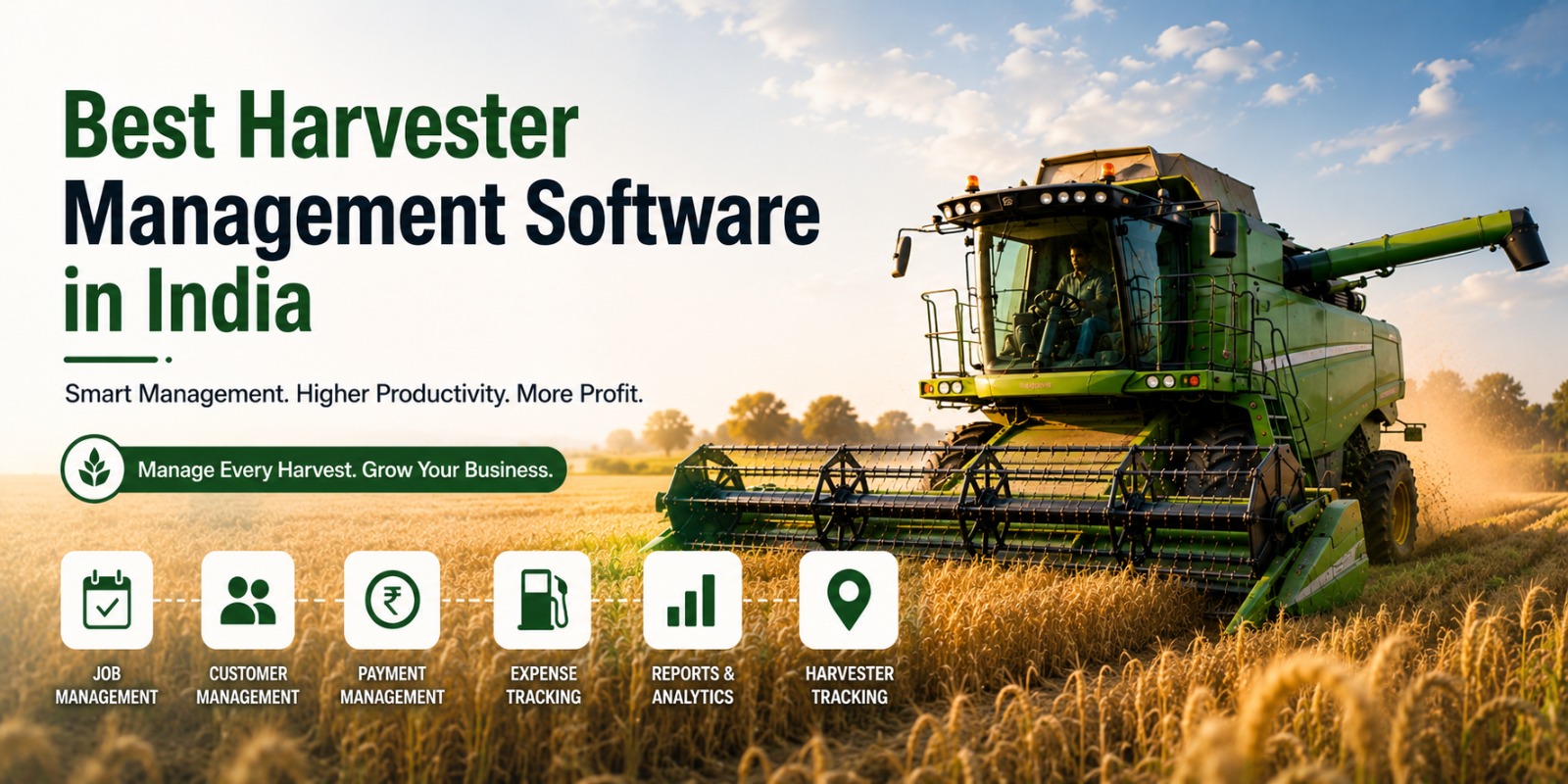
07 Aug 2026
Best Harvester Management Software in India: Features, Benefits, and Complete Buying Guide
Choosing the right Harvester Management Software can improve productivity, simplify business management, and support long-term growth. This complete guide helps you make the right decision.
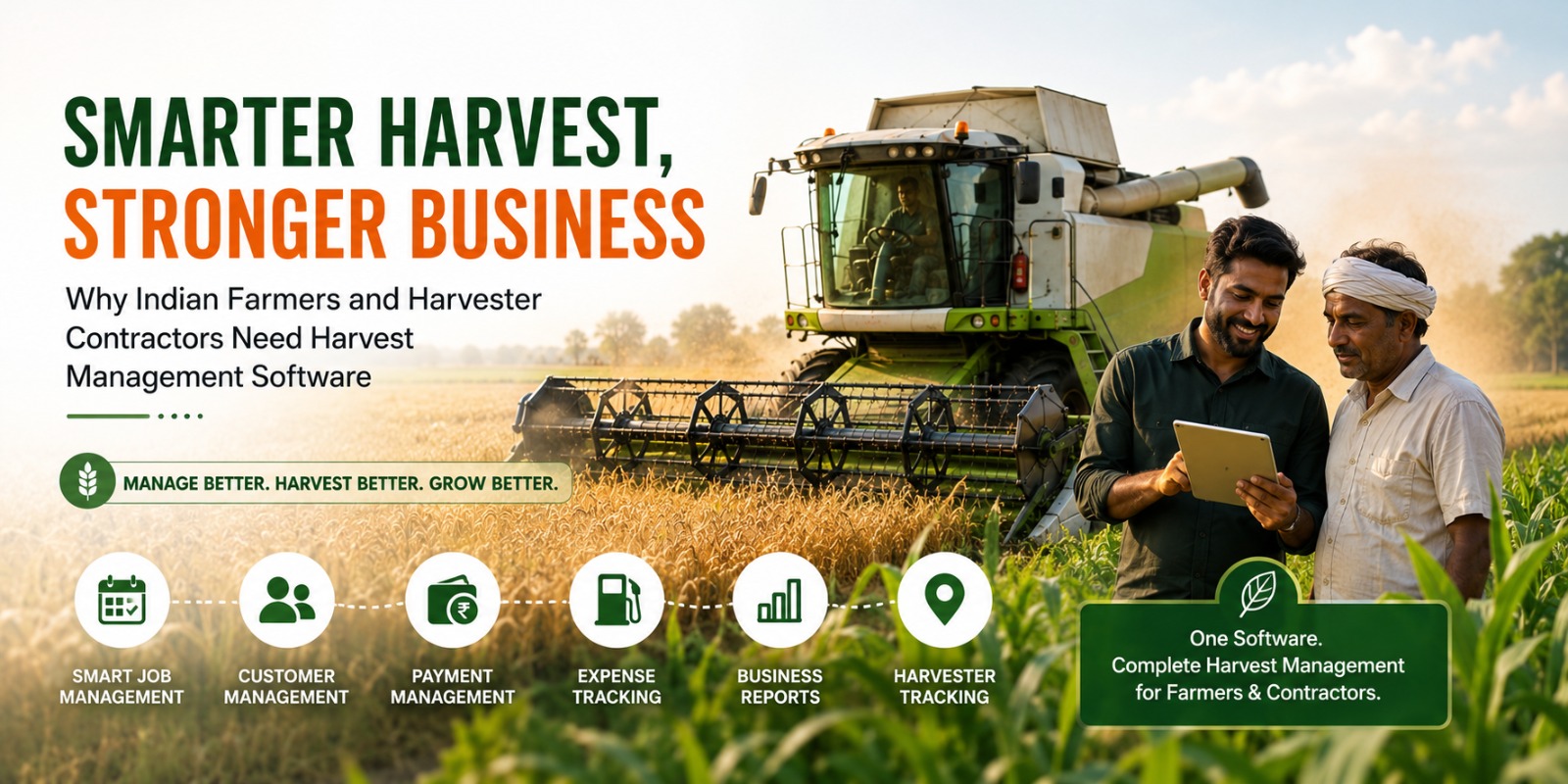
07 Aug 2026
Why Indian Farmers and Harvester Contractors Need Harvester Management Software
Explore how Harvest Management Software helps Indian farmers and harvester contractors improve efficiency, manage jobs, track expenses, and grow their business with smarter digital operations.